
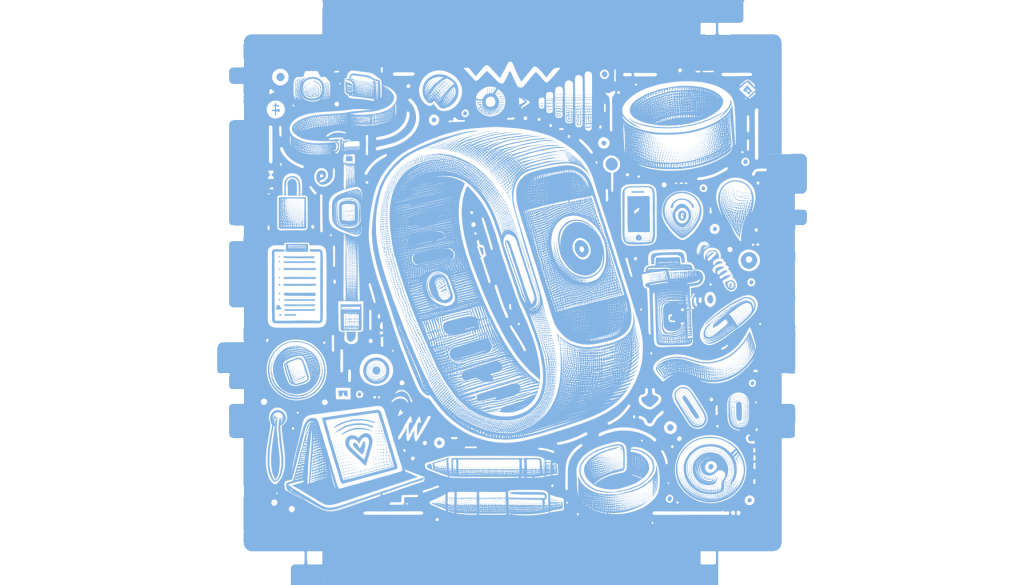
Plaud has introduced an updated version of its NotePin AI recorder, the NotePin S, which now features a button for easier operation compared to the original’s haptic controls. This change addresses user feedback about recording difficulties with the previous model’s squeeze mechanism. The NotePin S retains its compact design and comes with additional accessories like a lanyard and wristband included in the package. Alongside this, Plaud has launched a new desktop app for recording audio from online meetings, enhancing the integration and usability of their devices. This matters because improved ease of use and integration can significantly enhance productivity and user satisfaction with AI recording devices.
Plaud’s latest update to the NotePin AI recorder introduces a seemingly small but significant change: the addition of a button. This modification addresses a key user complaint about the original NotePin’s haptic controls, which required a precise squeeze to initiate recording. The introduction of a physical button simplifies the process, reducing the ambiguity and potential user error associated with haptic feedback. This enhancement is crucial for an AI recorder, as its success hinges on ease of use. By making the recording process more intuitive, Plaud increases the likelihood that users will have a seamless experience, thereby enhancing the product’s appeal and reliability.
The NotePin S retains the compact, wearable design of its predecessor, resembling a FitBit and offering versatility in how it can be worn. The inclusion of accessories like a lanyard, wristband, clip, and magnetic pin in the box, which were previously sold separately, adds value to the purchase. This thoughtful packaging reflects an understanding of user needs and preferences, ensuring that the device fits into various lifestyle scenarios. The NotePin S also maintains the original’s features, such as audio recording, transcription, and summary generation, while supporting Apple Find My, making it a comprehensive tool for capturing and managing information.
Alongside the hardware update, Plaud introduces a new desktop application designed to enhance the recording experience for online meetings. This app, available for Mac and PC, automatically detects and records audio from popular platforms like Zoom, Meet, and Teams. Unlike some other solutions, Plaud Desktop operates in the background without creating a bot to join calls, offering a more seamless and less intrusive recording option. The integration of recordings from both the desktop app and Plaud’s hardware recorders into a unified library ensures that users have consistent access to their audio data, whether captured in-person or online.
The strategic enhancements to both the NotePin S and the new Plaud Desktop app highlight Plaud’s commitment to improving user experience and functionality. By addressing previous shortcomings and expanding capabilities, Plaud positions itself as a competitive player in the AI recording market. These updates matter because they reflect a broader trend towards user-centric design in technology, where simplicity and integration are prioritized to meet the evolving needs of consumers. As remote work and virtual meetings continue to be prevalent, tools like the NotePin S and Plaud Desktop become essential for efficient communication and information management.
Read the original article here
Comments
2 responses to “Plaud’s NotePin S: Now with a Button”
The addition of a button to the NotePin S seems like a practical improvement for users who found the previous haptic controls challenging. I’m curious about the new desktop app for recording audio from online meetings; does it only work with Plaud devices, or is it compatible with other recording tools as well?
The post suggests that the new desktop app is designed to work seamlessly with Plaud devices, enhancing their functionality. However, it’s not clear if it supports other recording tools. It might be best to check the original article linked in the post for more detailed information or to reach out to the author directly.