
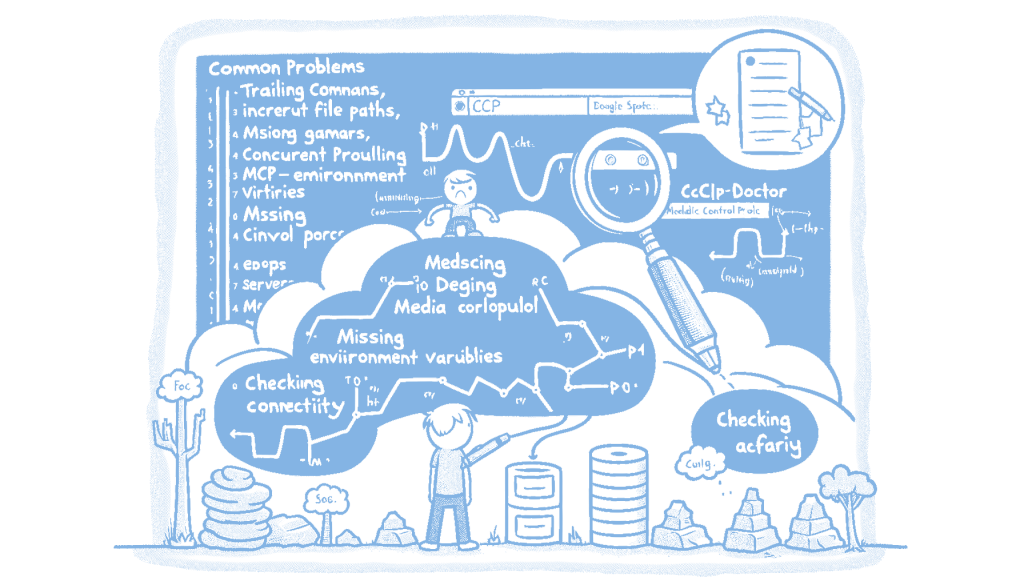
Debugging MCP configurations can be a time-consuming and frustrating process due to issues like trailing commas, incorrect paths, and missing environment variables. To address these challenges, a new open-source CLI tool called mcp-doctor has been developed. This tool helps users by scanning their configurations and pinpointing errors such as the exact location of trailing commas, verifying path existence, warning about missing environment variables, and testing server responsiveness. It is compatible with various platforms including Claude Desktop, Cursor, VS Code, Claude Code, and Windsurf, and can be easily installed via npm. This matters because it streamlines the debugging process, saving time and reducing frustration for developers working with MCP configurations.
Debugging MCP (Media Control Protocol) configurations can be a frustrating and time-consuming process, especially when errors are cryptic or silent. Common issues like trailing commas, incorrect file paths, and missing environment variables often lead to headaches for developers. These problems can be particularly challenging because they might not immediately present themselves, leaving developers in the dark about what went wrong. The introduction of a tool like mcp-doctor offers a much-needed solution by providing a clear diagnosis of these configuration issues, allowing developers to focus on their actual work rather than troubleshooting.
mcp-doctor is a command-line interface (CLI) tool designed to streamline the debugging process for MCP configurations. By scanning config files, it identifies common errors such as trailing commas, incorrect paths, and missing environment variables. The tool provides detailed feedback, including the exact line and column where issues occur, which significantly reduces the time spent on manual error detection. This level of detail is crucial because it allows developers to quickly pinpoint and rectify specific problems without having to sift through potentially large and complex configuration files.
Beyond identifying syntax errors, mcp-doctor also performs checks to ensure that server paths are valid and that servers are responsive. This feature is particularly valuable for developers working with multiple tools and platforms, such as Claude Desktop, Cursor, VS Code, Claude Code, and Windsurf. By verifying server connectivity, the tool helps prevent deployment issues that could arise from misconfigured or unreachable servers. This proactive approach to error detection and prevention can save developers significant time and effort, ultimately leading to more efficient and reliable software development processes.
The open-source nature of mcp-doctor means that it is not only freely available but also open to contributions from the developer community. This collaborative approach can lead to continuous improvements and updates, ensuring that the tool remains relevant and effective in addressing the evolving needs of developers. As more developers adopt and contribute to mcp-doctor, it has the potential to become an essential part of the development toolkit, reducing the frustration and inefficiency associated with MCP configuration errors. This matters because it empowers developers to focus on innovation and productivity, rather than getting bogged down by avoidable technical issues.
Read the original article here
Comments
3 responses to “Introducing mcp-doctor: Streamline MCP Config Debugging”
The introduction of mcp-doctor seems like a significant advancement for developers dealing with MCP configurations. I’m curious about how the tool handles updates or changes in MCP configuration standards; does it automatically update to address new debugging challenges, or is there a manual process involved?
The tool aims to stay current with MCP configuration standards by incorporating updates as they arise. However, the process may not be fully automatic. For specific details on how updates are managed, it might be best to check the original article linked in the post or reach out to the tool’s developers directly.
The post suggests that while mcp-doctor aims to keep up with new MCP configuration standards, the update process may involve some manual steps. For more detailed information, it would be best to refer to the original article or contact the developers directly.