
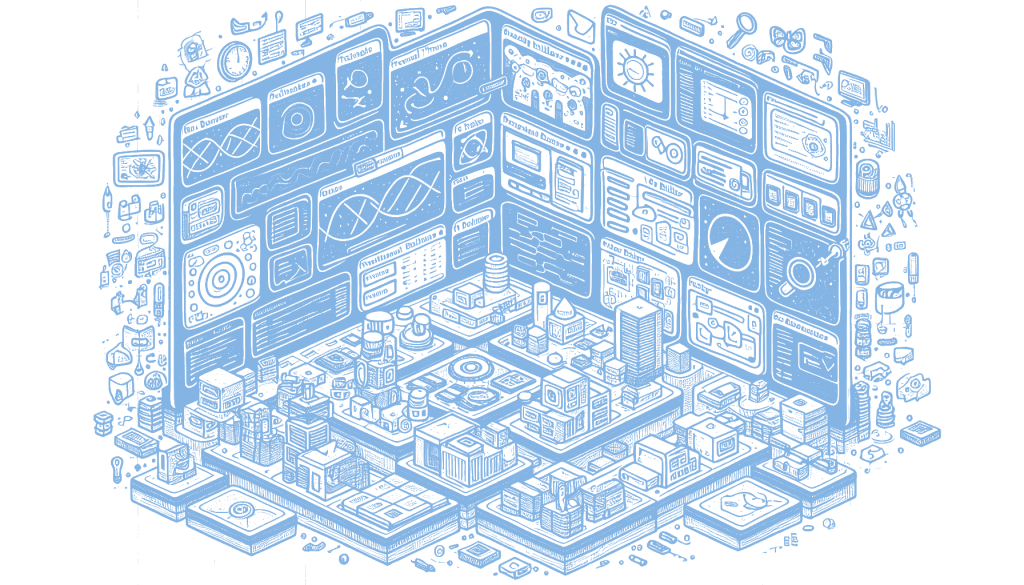
MCP Chat Studio v2 has been launched as a comprehensive tool for managing MCP servers, akin to Postman. The new version introduces a Workspace mode with an infinite canvas and features like draggable panels and a command palette, enhancing user interaction and organization. It also includes an Inspector for running tools and viewing protocol timelines, a visual Workflow builder with AI integration, and a Contracts feature for schema validation. Additionally, users can generate and connect mock servers, export workflows to Python and Node scripts, and utilize analytics for performance monitoring. This matters because it streamlines the development and testing of MCP servers, improving efficiency and collaboration for developers.
MCP Chat Studio v2 has introduced a suite of new features designed to enhance the development and management of MCP servers. The addition of a Workspace mode with an infinite canvas and draggable panels allows developers to organize their workflow efficiently. This feature is complemented by a radial menu, quick bar, command palette, and session management capabilities, all of which streamline navigation and project management. The ability to export and import sessions further facilitates collaboration and continuity in development projects.
The Inspector tool in MCP Chat Studio v2 offers a comprehensive suite for testing and debugging, including a protocol timeline, bulk testing, and a diff view for comparing changes. These tools are essential for developers who need to ensure the reliability and consistency of their MCP servers. The inclusion of a tool runner further enhances the ability to automate and execute tests, making the debugging process more efficient and less prone to human error.
Workflows in the new version have been significantly upgraded with a visual builder, AI Builder, and debugger that supports breakpoints and step mode. This allows developers to create and manage complex workflows with greater ease and precision. The ability to export workflows to Python and Node scripts is a particularly valuable feature, as it enables seamless integration with existing codebases and facilitates the automation of repetitive tasks.
The introduction of Contracts and Mocks in MCP Chat Studio v2 addresses the need for schema validation and the detection of breaking changes, which are critical for maintaining the integrity of server-client interactions. The ability to generate and connect mock servers provides a controlled environment for testing, reducing the risk of errors in live deployments. These features, along with analytics and performance monitoring tools, empower developers to build robust, scalable MCP servers that meet the demands of modern applications. This matters because it enhances the efficiency and reliability of server management, ultimately leading to better user experiences and more resilient software solutions.
Read the original article here
Comments
2 responses to “MCP Chat Studio v2: New Features for MCP Servers”
The introduction of AI integration in the Workflow builder of MCP Chat Studio v2 sounds promising for enhancing automation and efficiency. How does the AI integration specifically contribute to the development and testing processes of MCP servers?
The AI integration in the Workflow builder is designed to streamline development and testing by automating repetitive tasks and suggesting optimizations. It can help identify potential issues in workflows and recommend improvements, making the process more efficient and reducing the likelihood of errors. For more detailed insights, you might want to check the original article linked in the post.